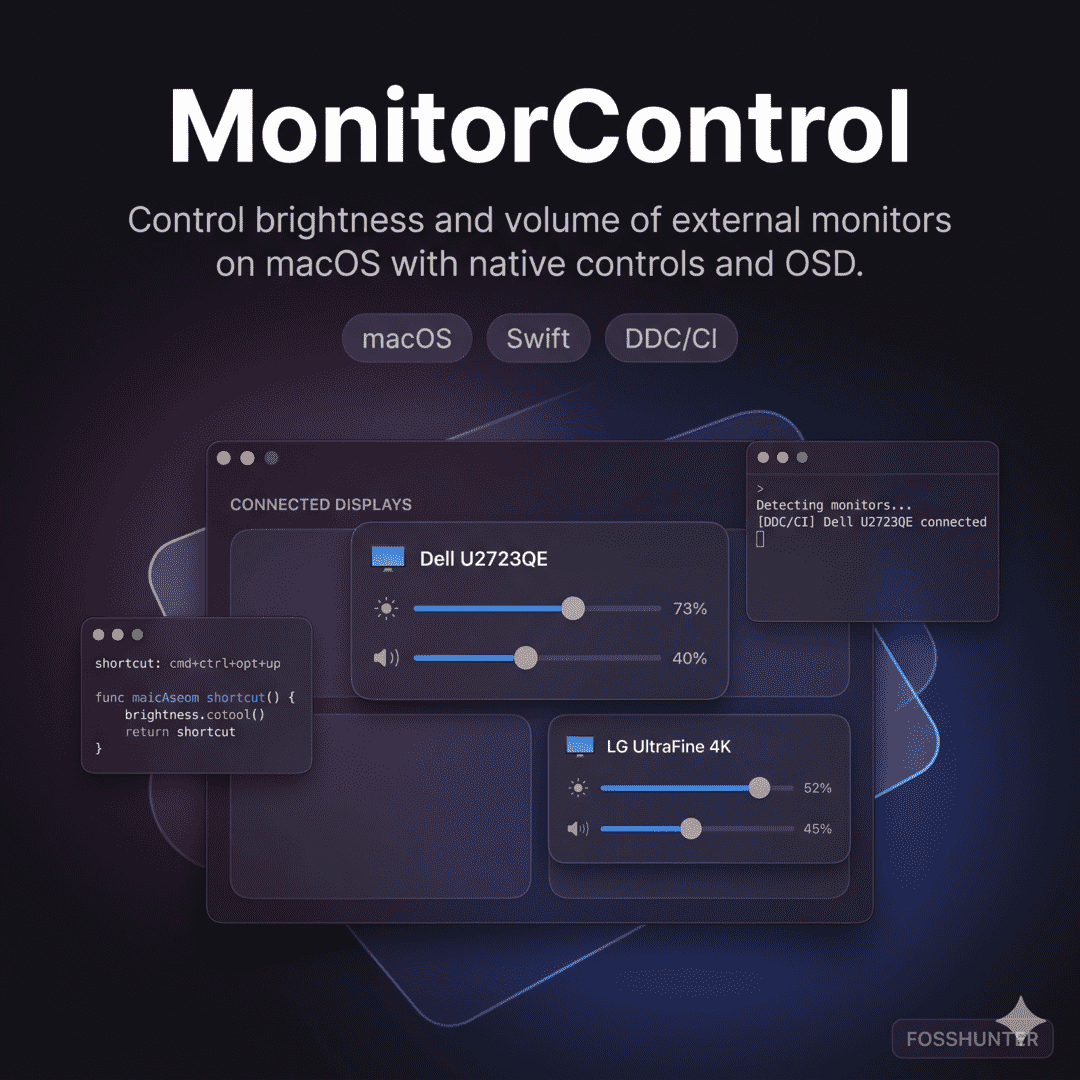
Monitor Control
Manage external display brightness and volume with native Mac OSDs
Screenshots
A closer look at the product interface and key surfaces.
Screenshot viewer
At a glance
- Primary use case
- Manage external display brightness and volume with native Mac OSDs
- Best for
- Utility — Utility, Brightness
- Stack
- macOS, Objective-C, swift
- License
- MIT
- Maintenance
- 4 months ago
- Access
- Open source
- Documentation path
- https://monitorcontrol.app/
About this tool
Monitor Control is a utility for macOS that lets you control external display brightness and volume as if they were native Apple displays. It supports DDC and native Apple protocols while showing native system on-screen displays.
Repository
33,695
979
27
MIT
4 months ago
Features
- Adjusts external display brightness, contrast, and volume using DDC or native Apple protocols.
- Provides a seamless experience by displaying native macOS on-screen displays during adjustments.
- Synchronizes brightness across multiple screens including built-in displays and virtual devices.
Related tools
PowerToys
Utility
Supercharge your Windows experience with advanced system utilities
Mole
Utility
Clean and monitor your Mac using this powerful terminal toolkit
Flameshot
Utility
Powerful and simple cross-platform screenshot and annotation tool
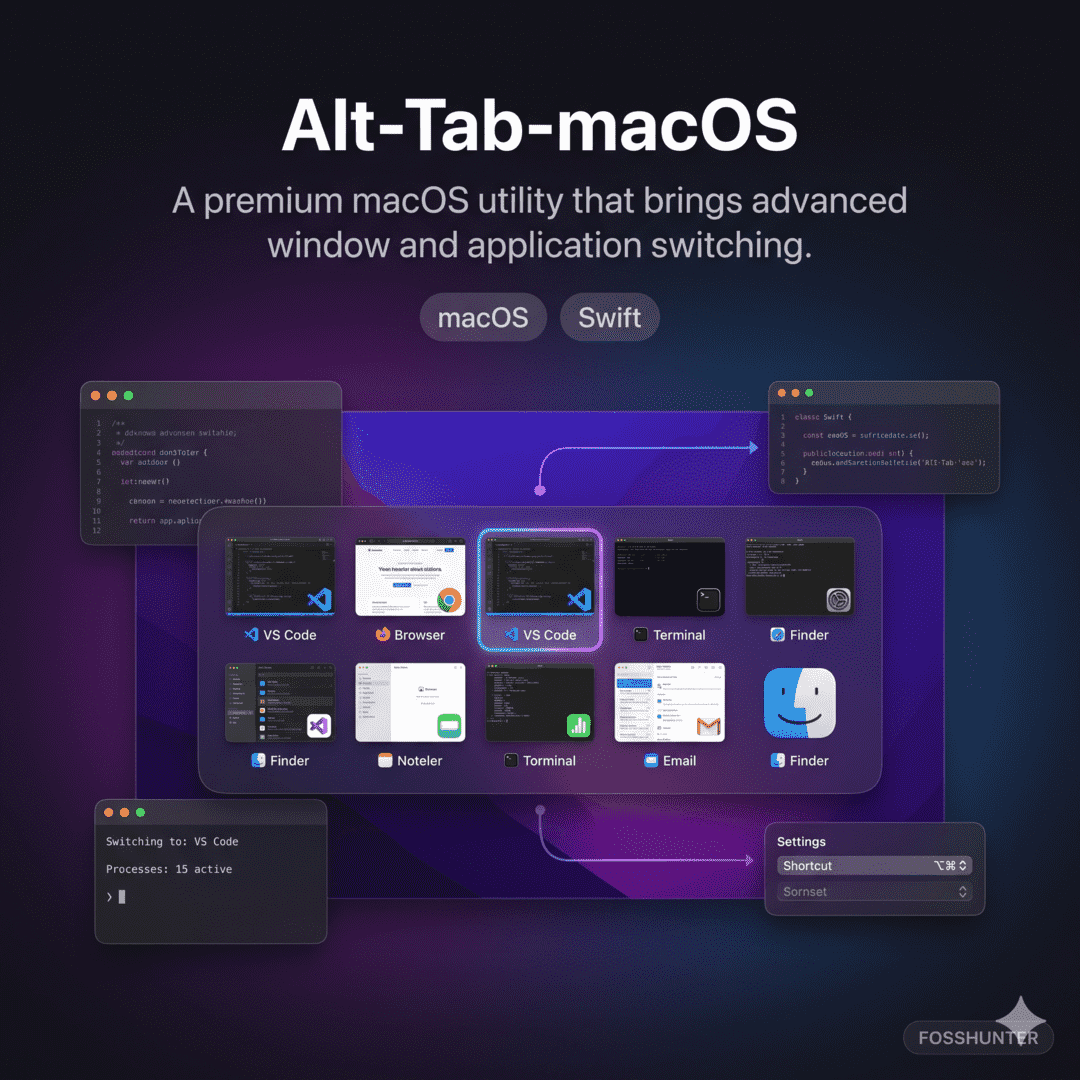
Alt Tab Macos
Utility
Bring Windows style Alt Tab window switching to macOS
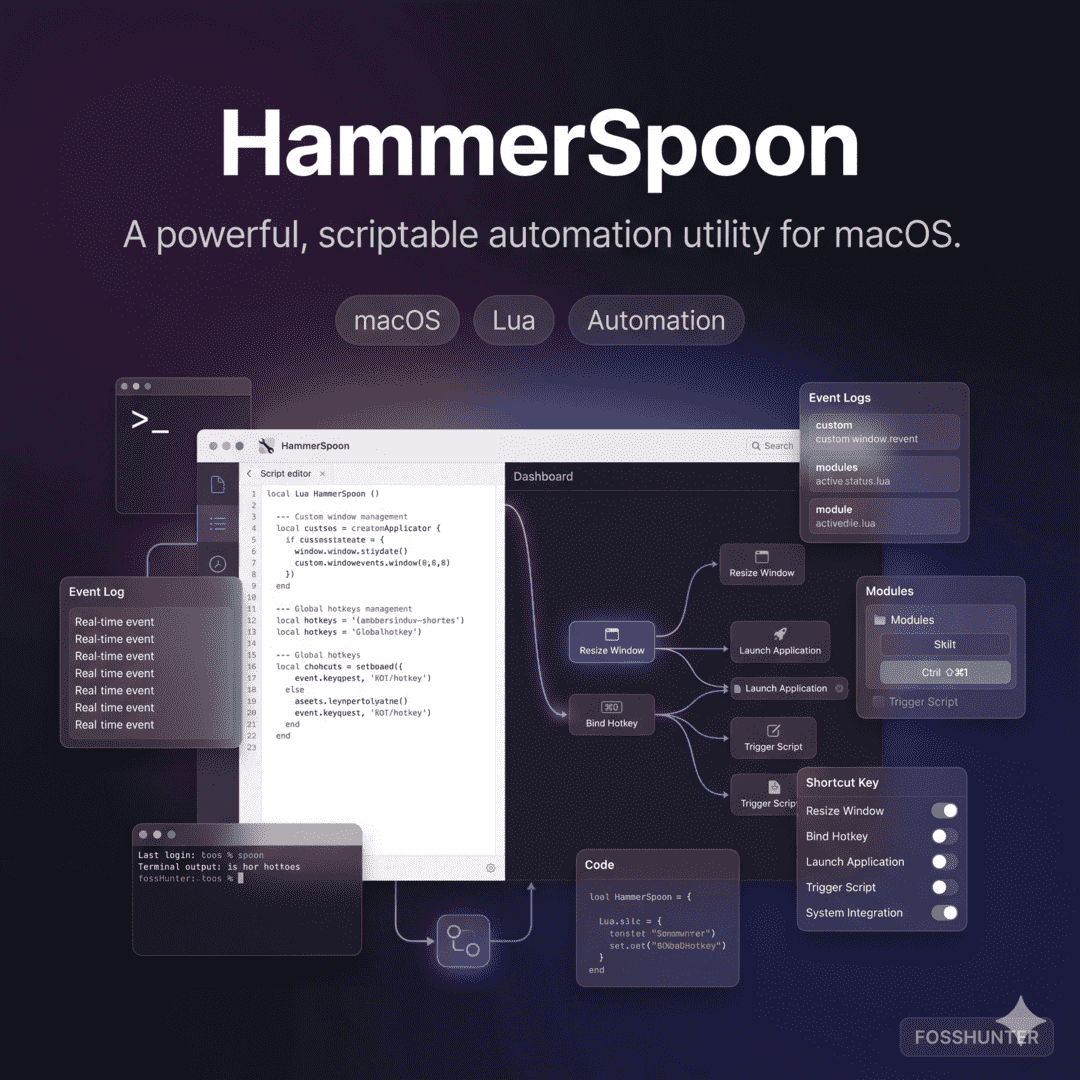
Hammerspoon
Utility
Powerful macOS desktop automation using Lua scripting
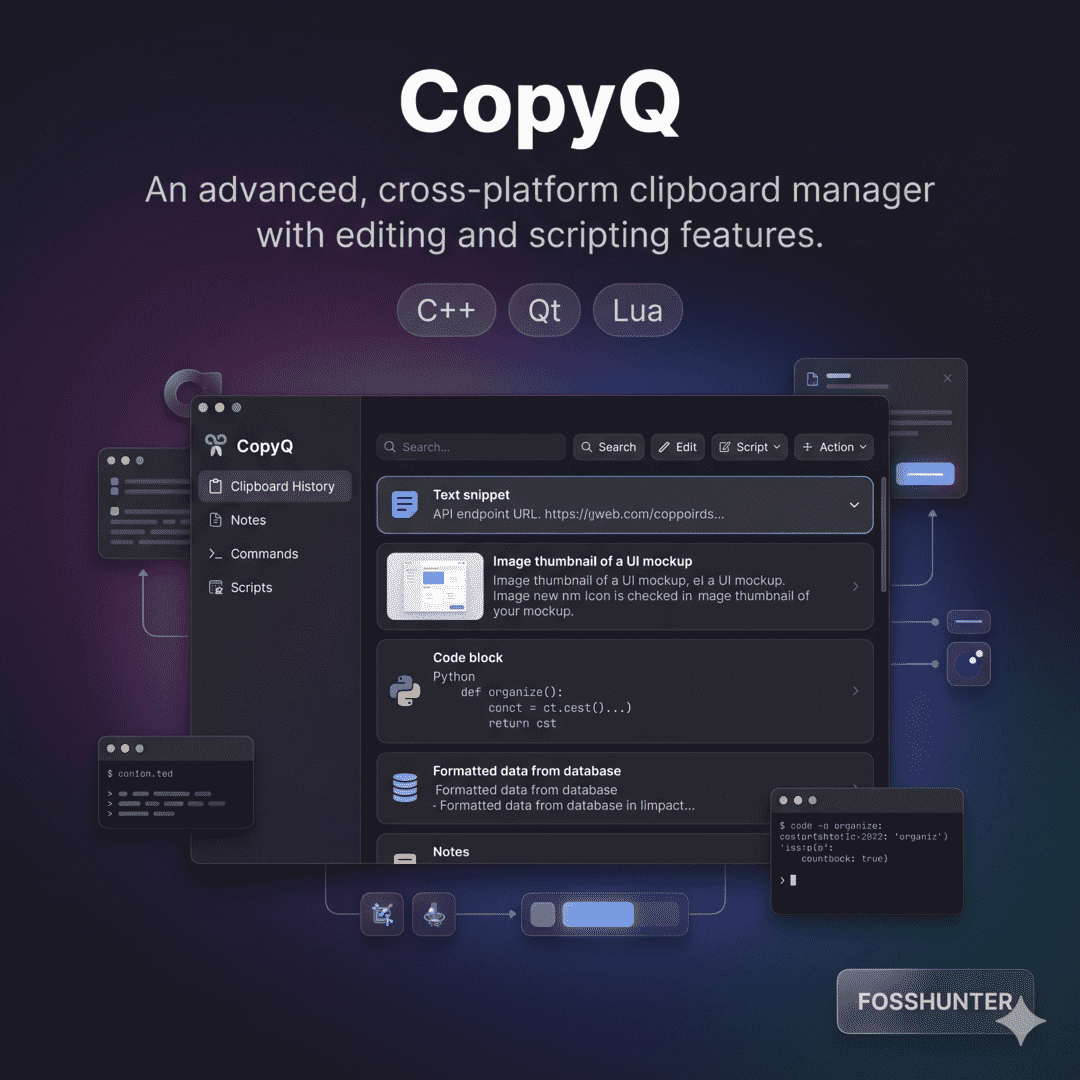
CopyQ
Utility
Advanced clipboard manager with editing and scripting features
Published 3 months ago