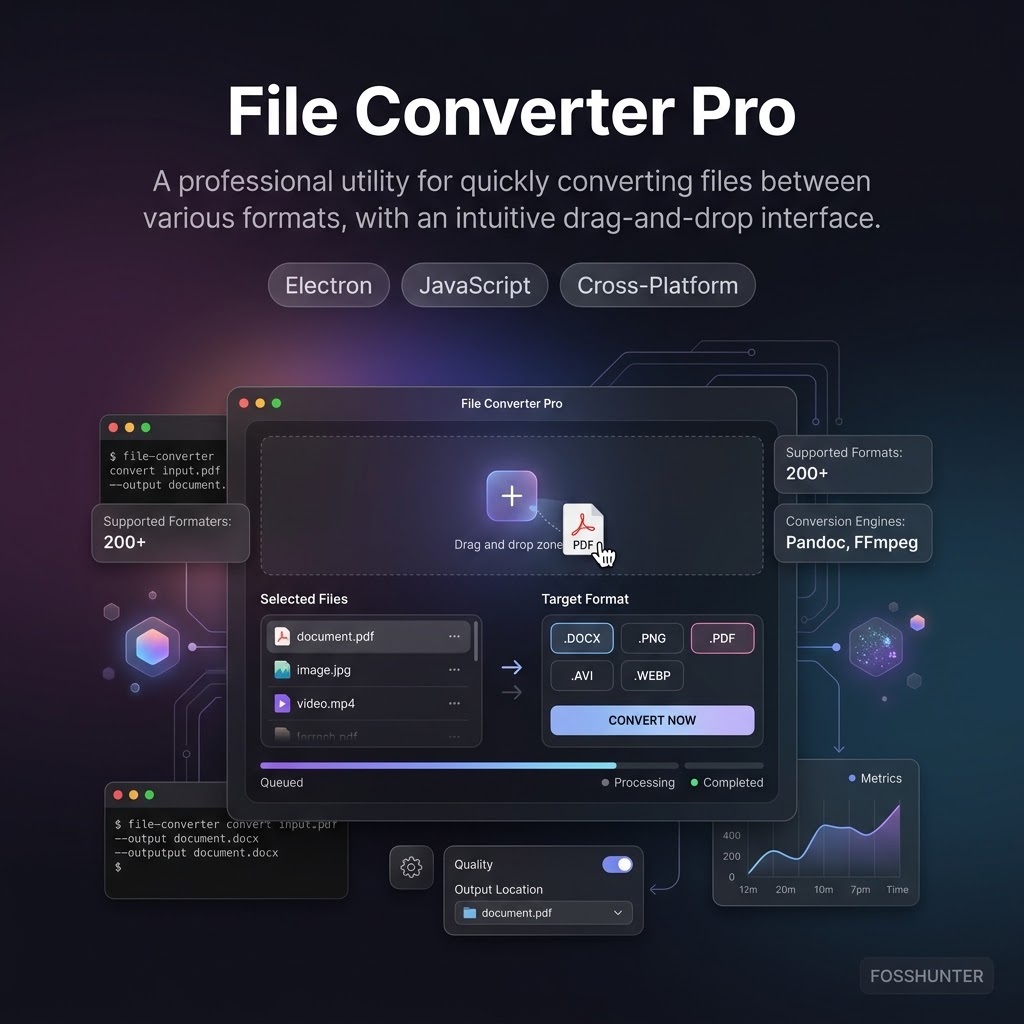
File Converter Pro
Powerful offline all-in-one file conversion utility for Windows
Screenshots
A closer look at the product interface and key surfaces.
Screenshot viewer
At a glance
- Primary use case
- Powerful offline all-in-one file conversion utility for Windows
- Best for
- Utility — Privacy, Utility
- Stack
- Inno Setup, PowerShell, pyside6, python
- License
- GPL-3.0
- Maintenance
- 3 days ago
- Access
- Open source
- Documentation path
- https://file-converter-pro.org/docs.html
About this tool
File Converter Pro is a free offline desktop utility for Windows that converts documents, images, audio, and video locally. It features a polished interface with a statistics dashboard, achievements, and zero external dependencies.
Repository
587
81
4
GPL-3.0
3 days ago
Features
- Converts documents, images, audio, and video files completely offline without any internet connection.
- Includes a Windows context menu integration for quick file conversions directly from the file explorer.
- Features a statistics dashboard and gamified achievements to track your conversion history.
Related tools

PowerToys
Utility
Supercharge your Windows experience with advanced system utilities
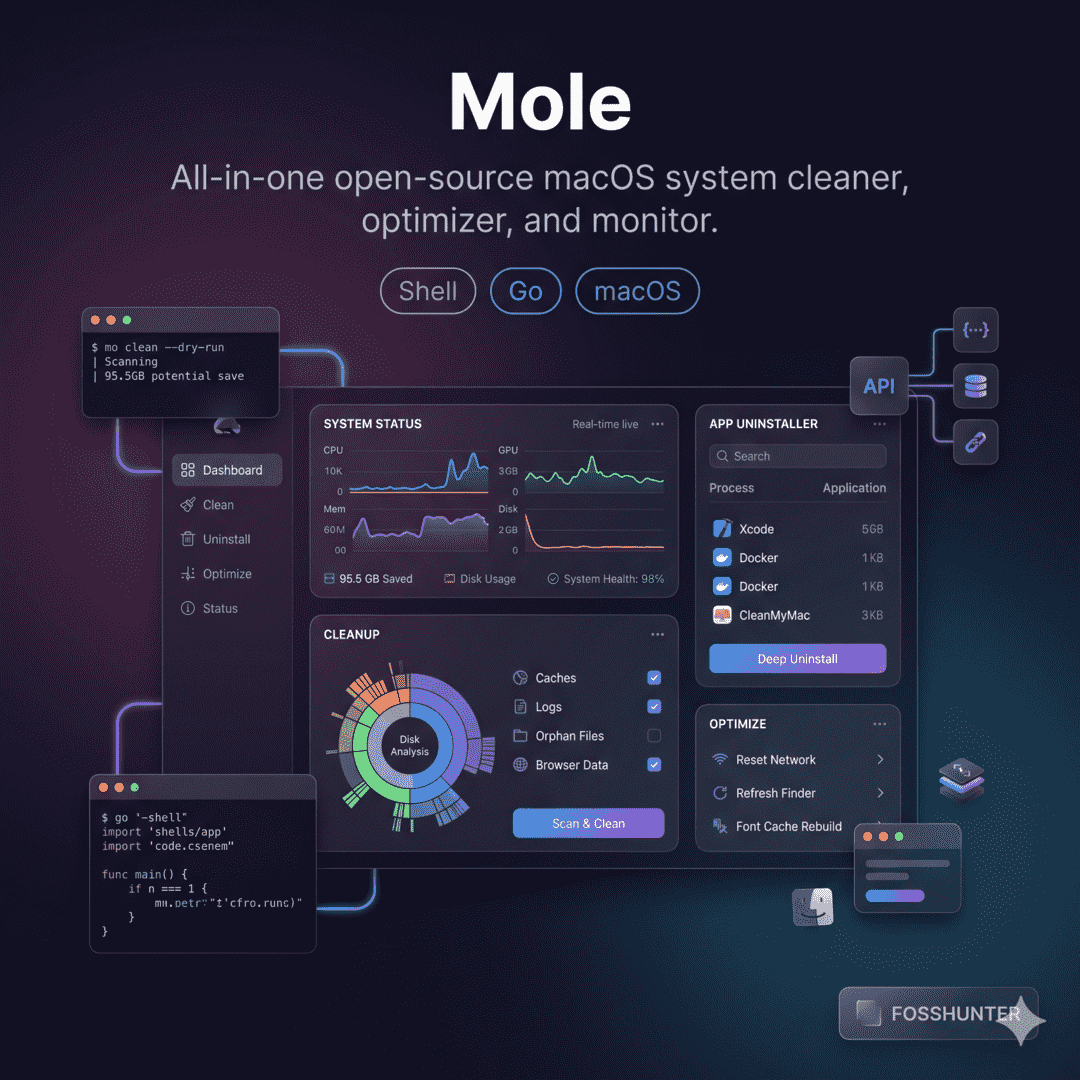
Mole
Utility
Clean and monitor your Mac using this powerful terminal toolkit
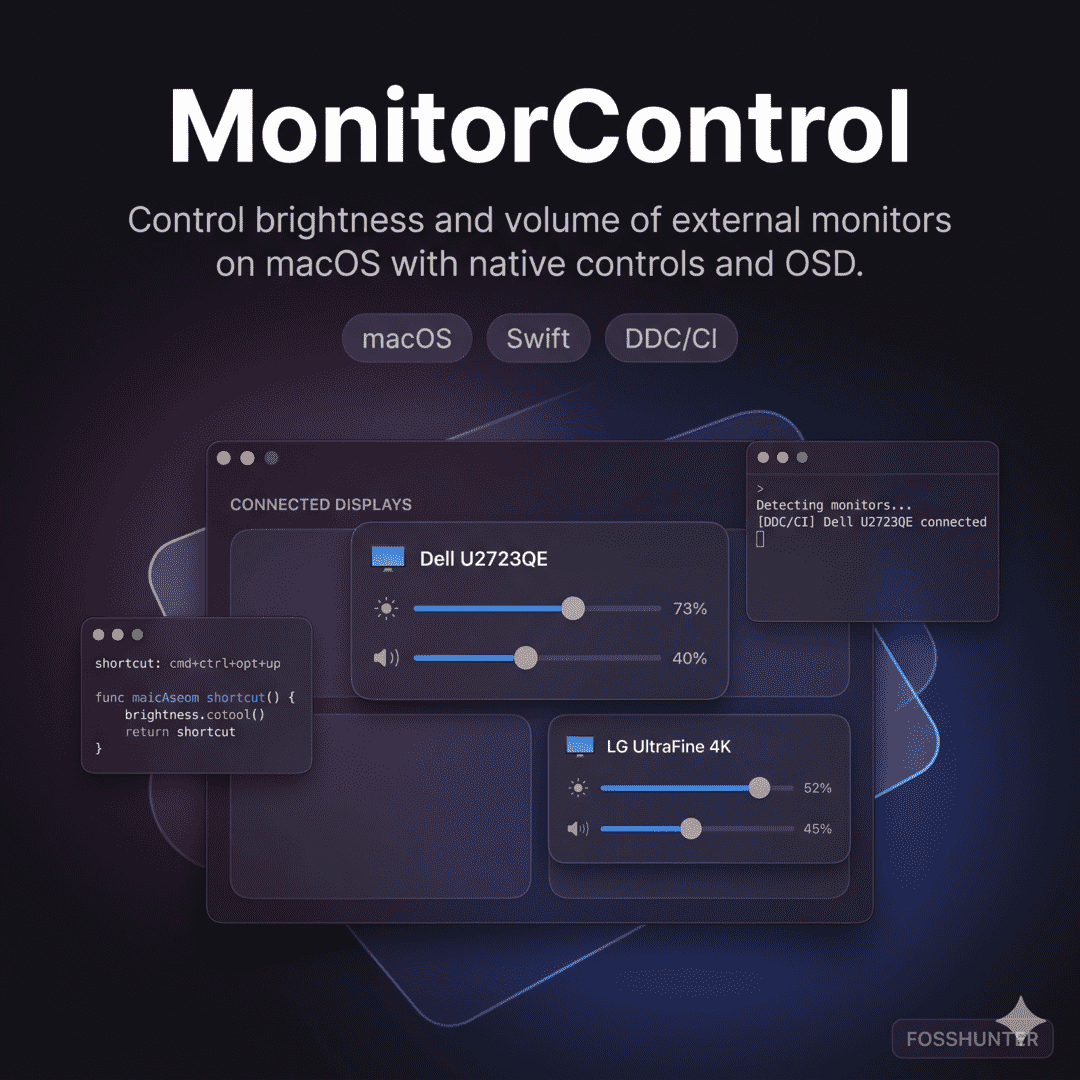
Monitor Control
Utility
Manage external display brightness and volume with native Mac OSDs

Flameshot
Utility
Powerful and simple cross-platform screenshot and annotation tool

Vorssaint Utils
Utility
Powerful open source macOS menu bar toolkit for power users
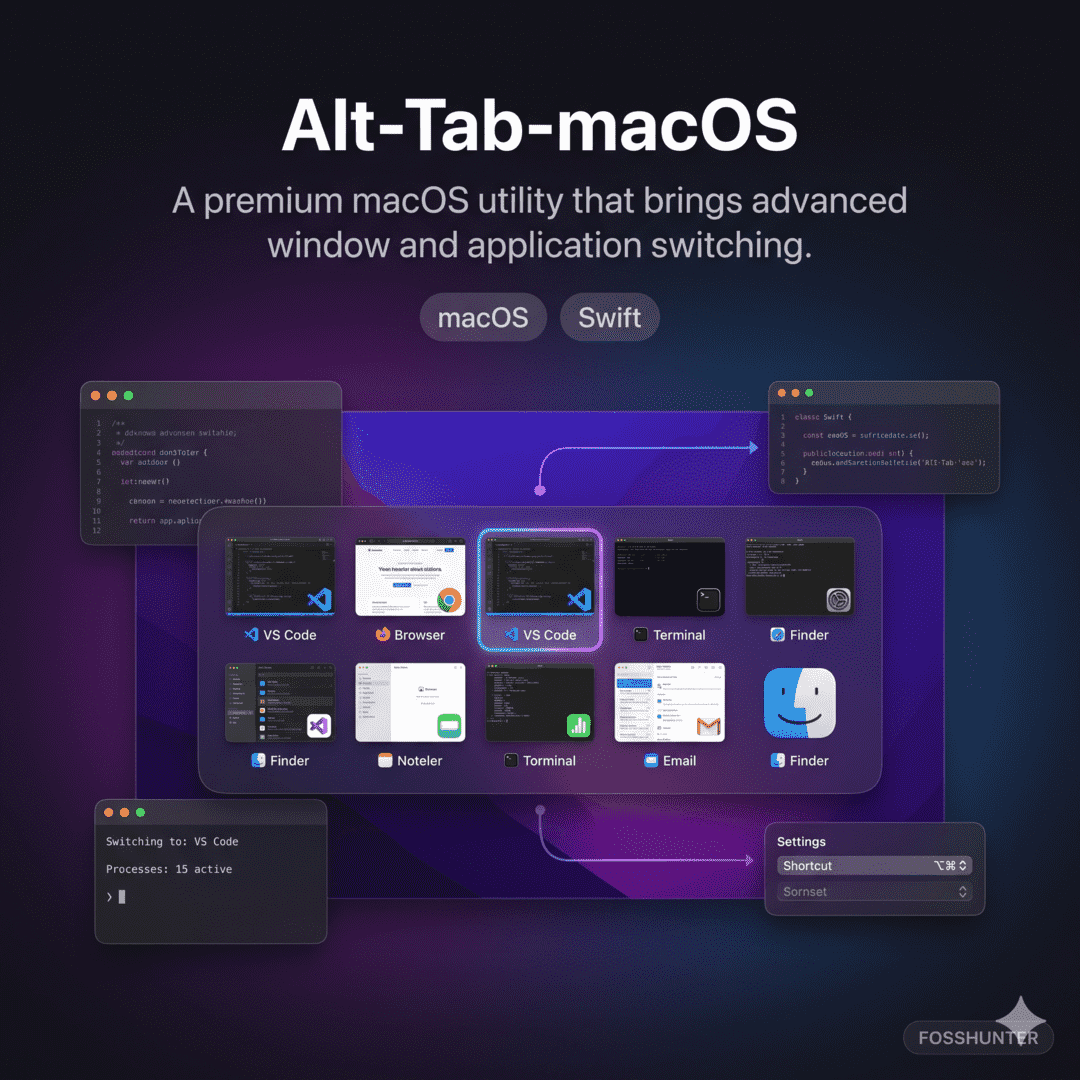
Alt Tab Macos
Utility
Bring Windows style Alt Tab window switching to macOS
Published 3 days ago